

Odds
An odd is a saved odds configuration: a sport and the competitions whose upcoming events you want to show. Youtube widgets can show it over their videos.
Create an odd
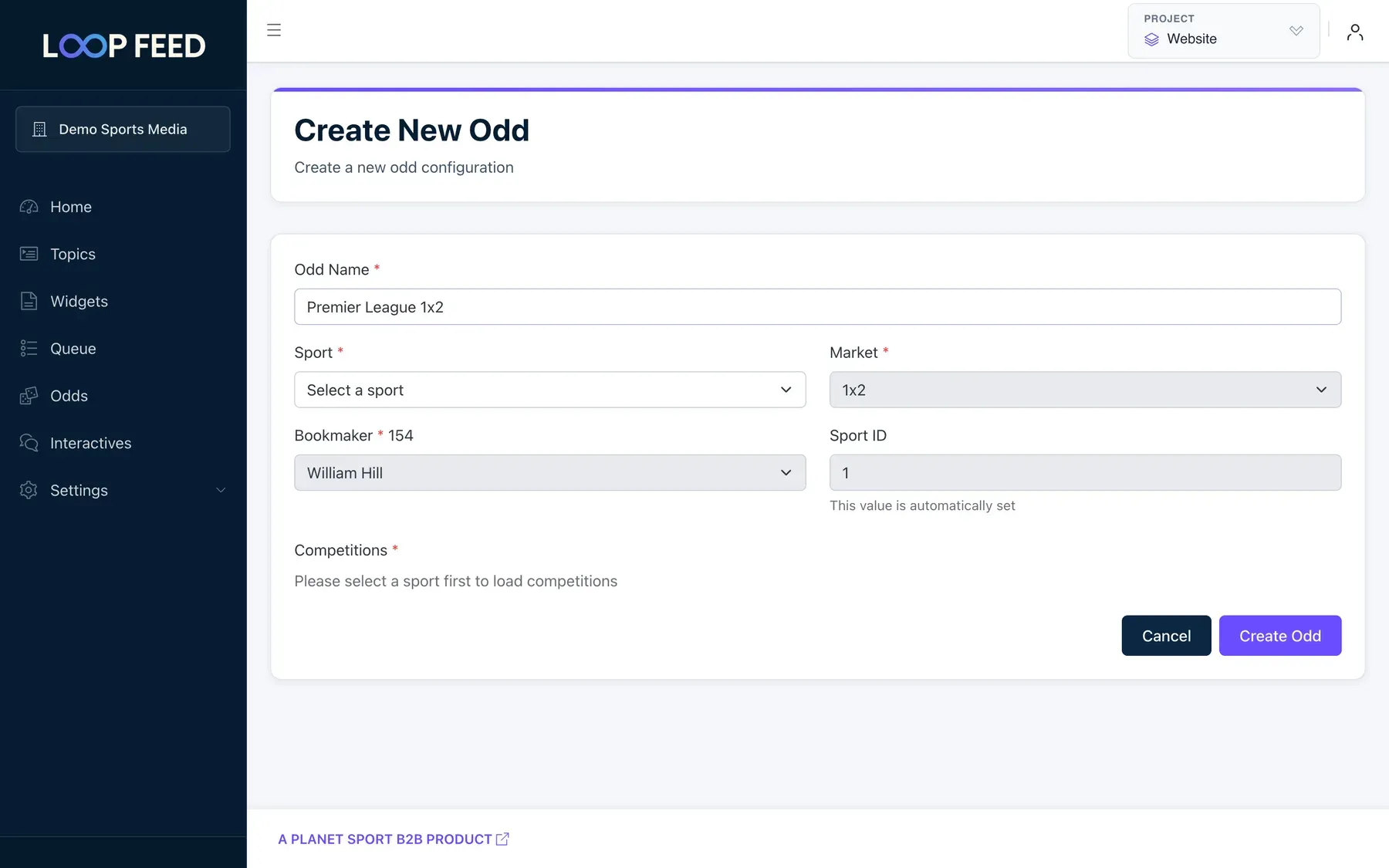
Section titled “Create an odd”- Open Odds and click Create Odd.
- Enter an Odd Name, for example Premier League 1x2.
- Choose the Sport: Football or Horse Racing. The market (1x2) and bookmaker (William Hill) are set for you.
- Under Competitions, select one or more competitions. Use the search box to find them.
- Click Create Odd.
To change an odd, click it in the Odds list.
Show it on a widget
Section titled “Show it on a widget”- Open a Youtube widget and go to its Odds tab.
- Under Select Odd, choose your odd.
- Click Save Changes.
The widget then shows the current odds for upcoming events in those competitions over its videos.